TL;DR
To change the time on a Casio digital watch, start from the normal time display and use the recessed upper-left button to enter time setting mode. When the seconds begin flashing, use the lower-left button to cycle through seconds, minutes, hours, and date values, then adjust each value with the right-side buttons. Exit setting mode to save the time. This logic is consistent across most Casio digital models, including vintage and modern watches.
Video: Full process – how to change time on a Casio watch
Step 1: Find the Button That Starts Time Setting Mode
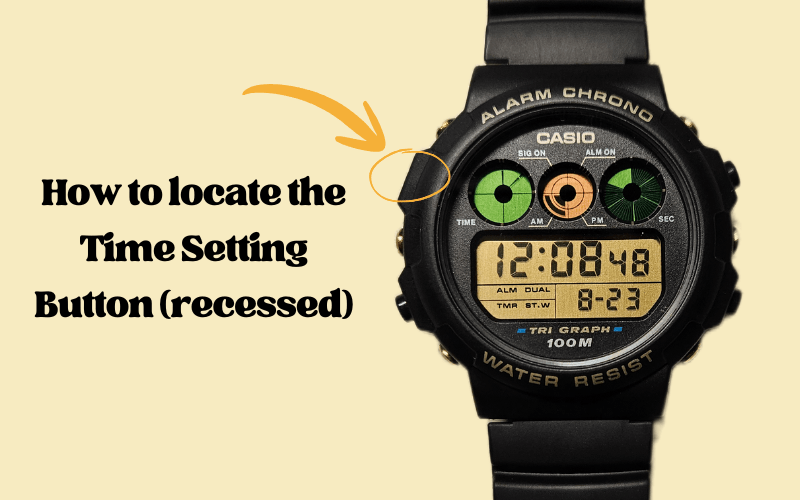
Time setting on a Casio watch always begins with one specific button.
This button is located on the upper left side of the case and is recessed into the case, not protruding like the others.
On most digital Casio watches:
- the upper-left button is flat and harder to press,
- the remaining buttons clearly stick out,
- this design prevents accidental entry into time setting mode.
This recessed button is used to enter time setting mode. When pressed correctly, it allows the watch to adjust time and date related values. The design is consistent across many Casio digital modules, including vintage and modern models.
Step 2: Enter Time Setting Mode
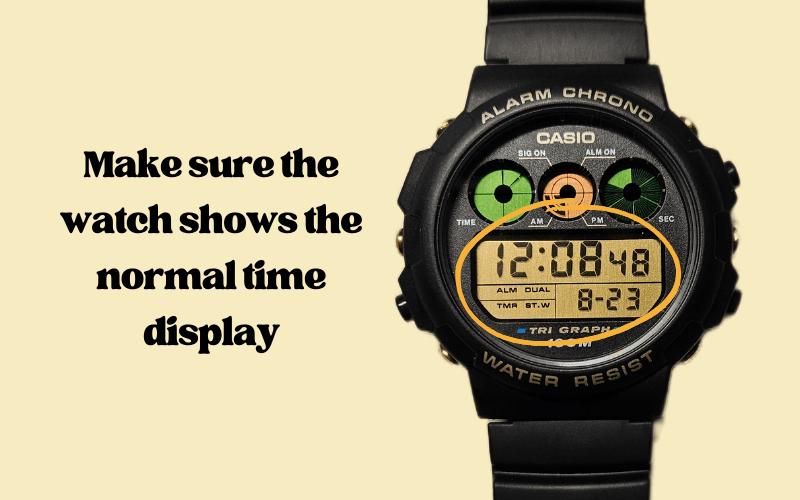
You enter time setting mode by using the recessed upper-left button.
Start from the normal time display. Do not use alarm, stopwatch, or world time screens. The watch must show the current time.
Follow these steps:
- Press or press and hold the upper-left recessed button.
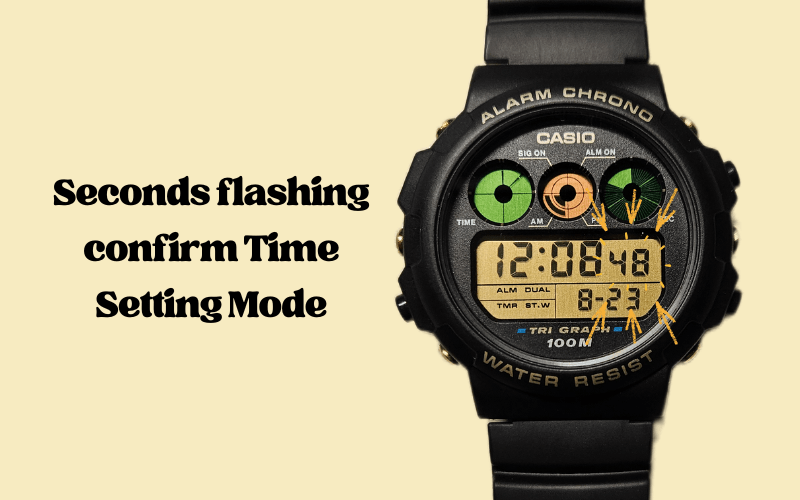
- Stop when the seconds start flashing on the display.
Flashing seconds indicate that the watch is now in time setting mode. At this point, the watch is ready to accept changes to time and date values.
If the seconds do not flash, the watch is not in the correct mode. Return to the normal time display and repeat the step.
Step 3: Move Between Time Values
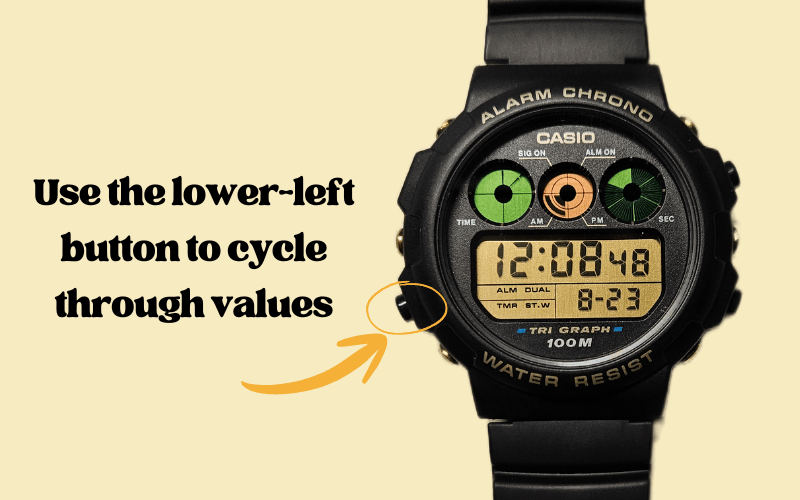
You cycle through all editable values by pressing the lower-left button.
Each press moves the flashing cursor forward in a fixed order. This order is defined by the Casio module and always loops back to the start.
The typical sequence is:
- seconds
- minutes
- hours
- year (if supported)
- month
- day of the month (number)
- day of the week (name)
After the last item, the cycle returns to seconds.
Only one value flashes at a time. The flashing value is the active one.
When the value you want to change is flashing, stop pressing the lower-left button and proceed to adjustment.
Step 4: Change the Selected Value
You change the flashing value using the right-side buttons.
When a value is flashing, it is active and ready to be adjusted.
- Press the right down button to increase the value.
- On watches with two right buttons:
- the upper right usually increases,
- the lower right usually decreases.
- Holding a button activates fast scrolling.
Notes:
- On 3-button Casio watches, values only move forward.
- On 4-button Casio watches, you can move forward and backward.
Changes apply immediately to the flashing value.
Once the correct value is set, move on to the next value or save the settings.
Step 5: Save the Time and Exit Setting Mode
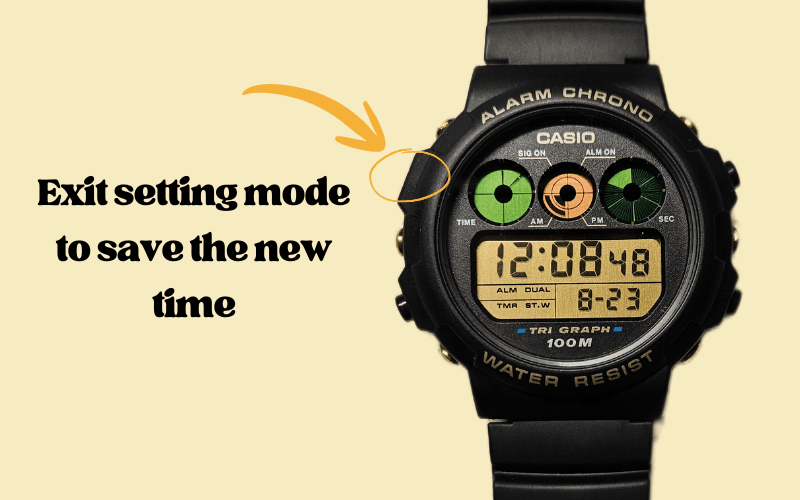
You save the new time by exiting the setting mode.
To finish:
- Press the upper-left recessed button again
When the display shows the time and nothing is flashing, the settings are saved.
If you leave the setting mode correctly, the watch stores the new time immediately. No extra confirmation is required.
Summary of the Casio Time-Setting Logic
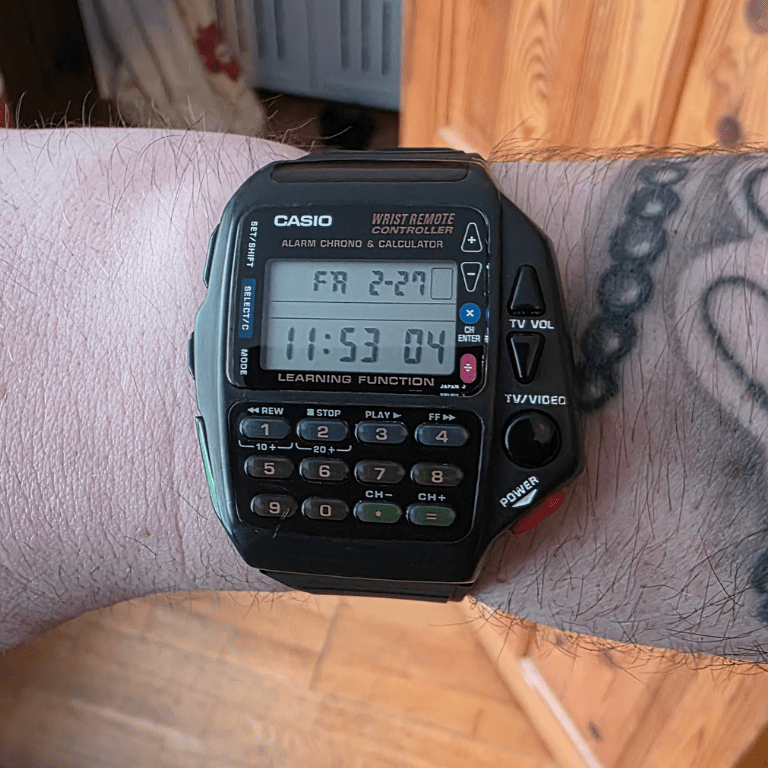
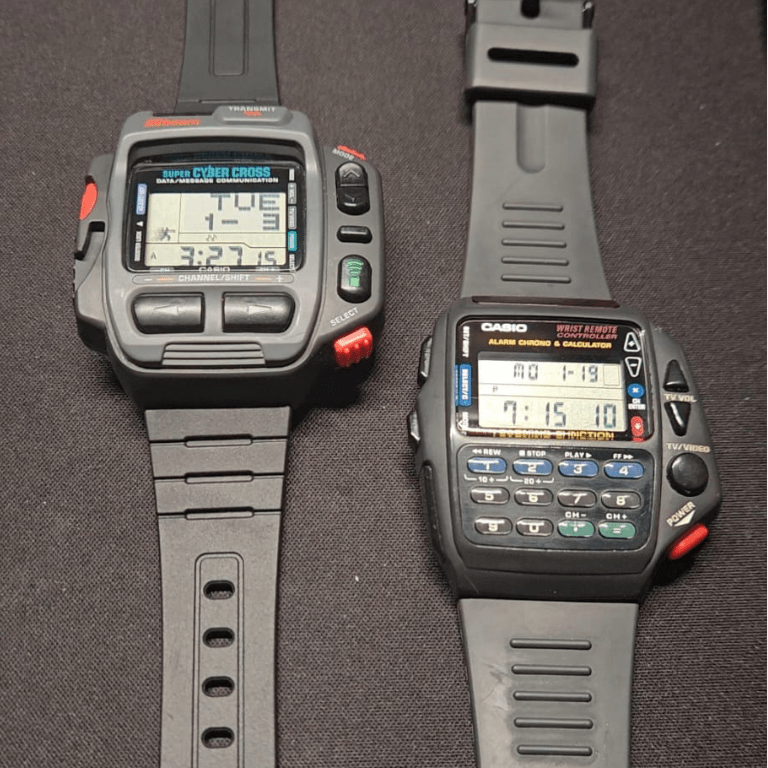
Most Casio watches look different, but they work the same way. Some models have extra buttons on the front or on the sides. Some are simple. Some are complex. The logic does not change.
- The hidden top-left button starts time setting mode.
- Flashing seconds confirm that setting mode is active.
- The lower-left button moves between values.
- The right-side buttons change the selected value.
- Exiting setting mode saves the time.
Learn this once, and you can set the time on almost any digital Casio ⌚.
If something is unclear, always check the manual. The easiest method is:
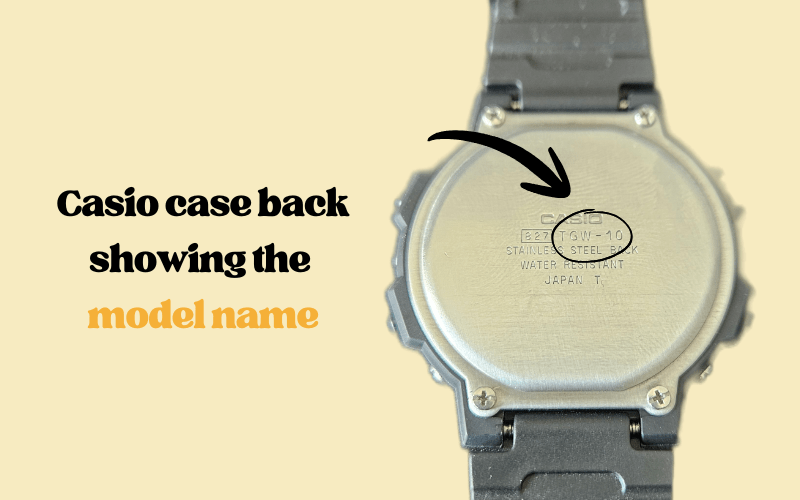
- look at the case back,
- copy the model name,
- search it in Google with the word “manual”.
A very good archive of manuals is digital-watch.com. I recommend it. It covers many vintage and modern Casio models.
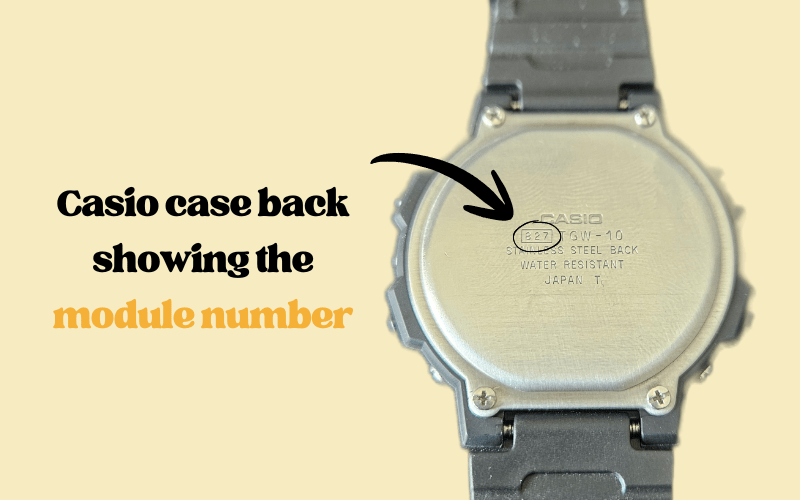
You can also search by module number. The module number is always on the back of the watch, inside a small rectangle. It is usually 2, 3, or 4 digits. This number leads to the exact instruction for your watch.
FAQ: How to Change Time on a Casio Watch
Why do the seconds not flash when I try to set the time on my Casio watch?
The seconds do not flash because the watch is not in time setting mode or is not on the main home time screen. You must return to the normal time display and then press or hold the recessed upper-left button until the seconds start flashing.
Why does my Casio show a city name or time zone instead of seconds flashing?
A city name or time zone flashes when the watch is in World Time mode instead of Home Time mode. You need to cycle back to the main time screen, where the weekday is shown, before entering time setting mode.
Do all Casio watches use the same method to change the time?
All digital Casio watches follow the same basic logic, even if button layouts differ. Time setting always starts with the recessed upper-left button, then values are selected with the lower-left button and changed with the right-side buttons.
What is the difference between 3-button and 4-button Casio watches when setting time?
The difference is in value adjustment. A 3-button Casio only allows values to increase, while a 4-button Casio usually allows both increase and decrease using two right-side buttons. The entry into setting mode remains the same.
How do I save the time after changing it on a Casio watch?
The time is saved automatically when you exit time setting mode using ‘mode’ button (upper left). When the display returns to the normal time screen and nothing is flashing, the new time is stored.
What should I do if the steps do not match my Casio watch?
If the steps feel different, you should check the model name or module number on the case back and search for the manual online. Adding the word “manual” to the model name in a search engine usually leads to the correct instructions.
Where can I find reliable Casio watch manuals online?
A reliable source for Casio manuals is digital-watch.com, which hosts instructions for many vintage and modern Casio models. Manuals can also be found by searching the module number printed on the back of the watch.
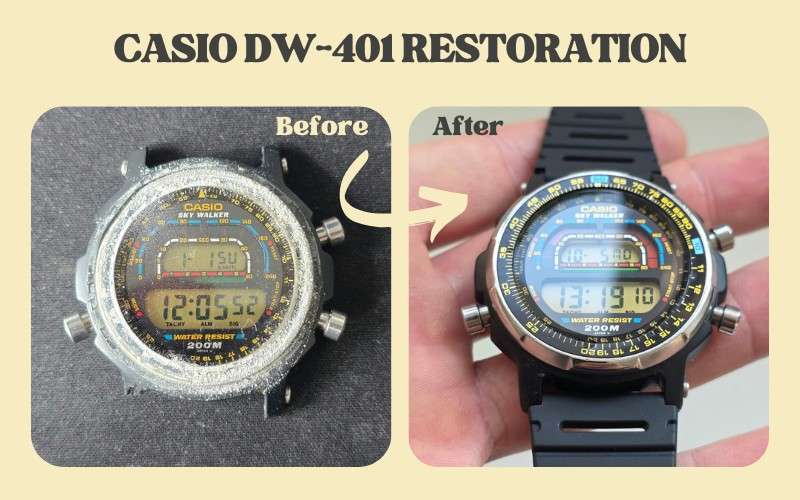
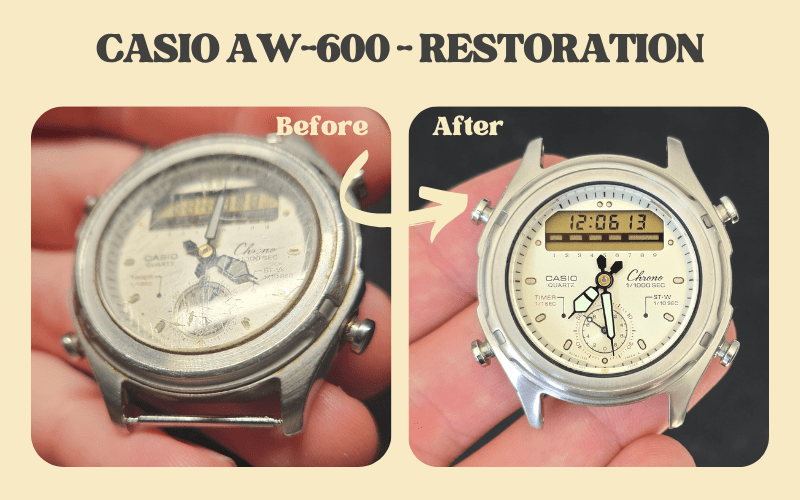
For vintage Casio models from the 1980s and 1990s, CasioRestore.com maintains a growing database of restored watches, each linked with the correct manual when available. This makes it easier to find accurate instructions for older models that are often missing original paperwork.
What does “RTFM” mean in Casio watch discussions?
“RTFM” means “Read The Manual.” In Casio communities, it usually suggests checking the official manual for the exact model or module when settings are unclear.

Passionate about Casio’s golden-era digital watches. At Vintage Casio Restore, I bring old models back to life and share practical guides for collectors and enthusiasts.

Leave a Reply